
CLIENT PROPOSAL
Show several room directions before you commit to a heavy production pass.
Move from one room brief to modern, japandi, or premium variations in minutes, then keep the strongest options side by side for review.
A glimpse of the rooms this model produces. Pick a quickstart on the left, or start writing your own prompt.
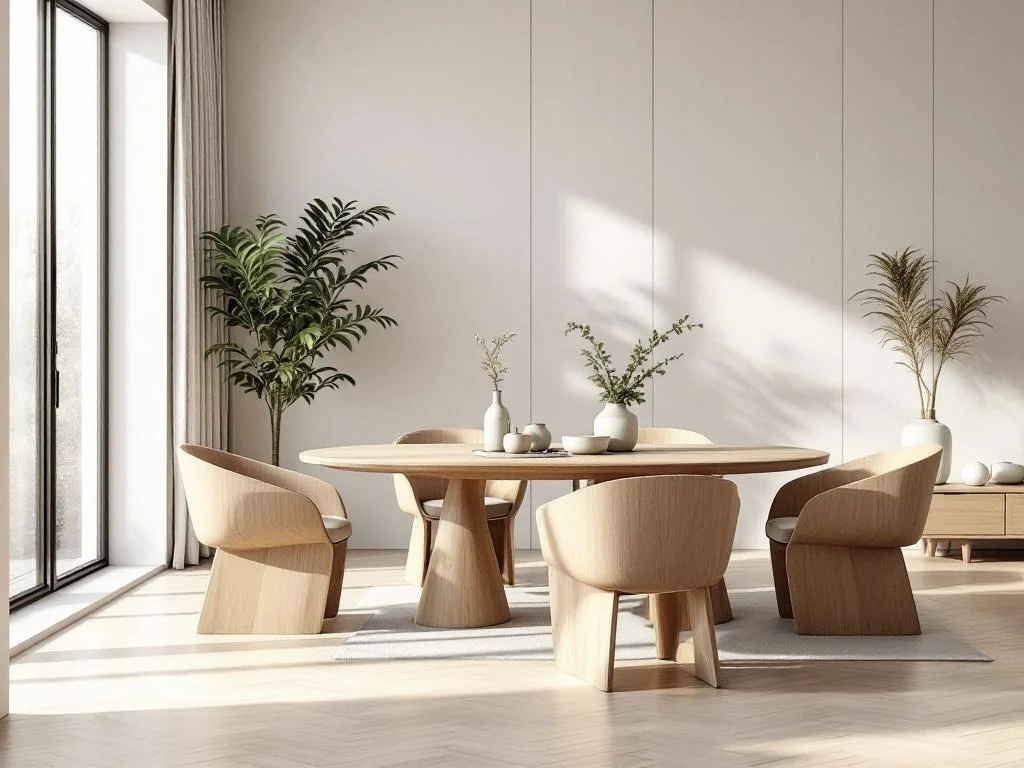
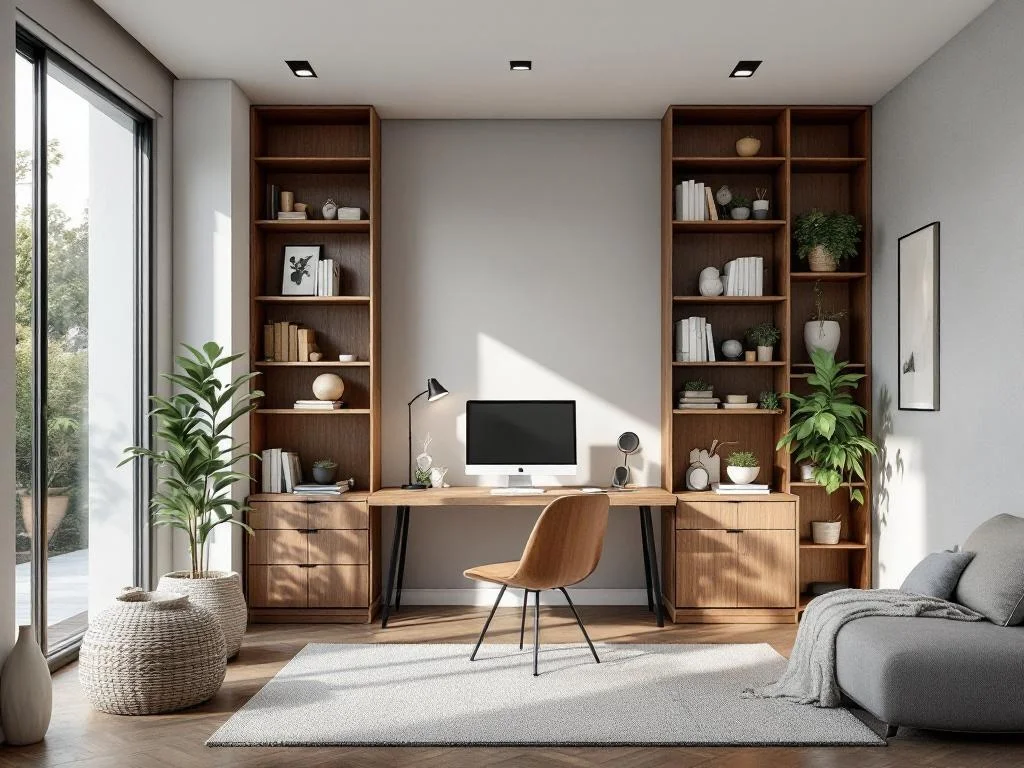
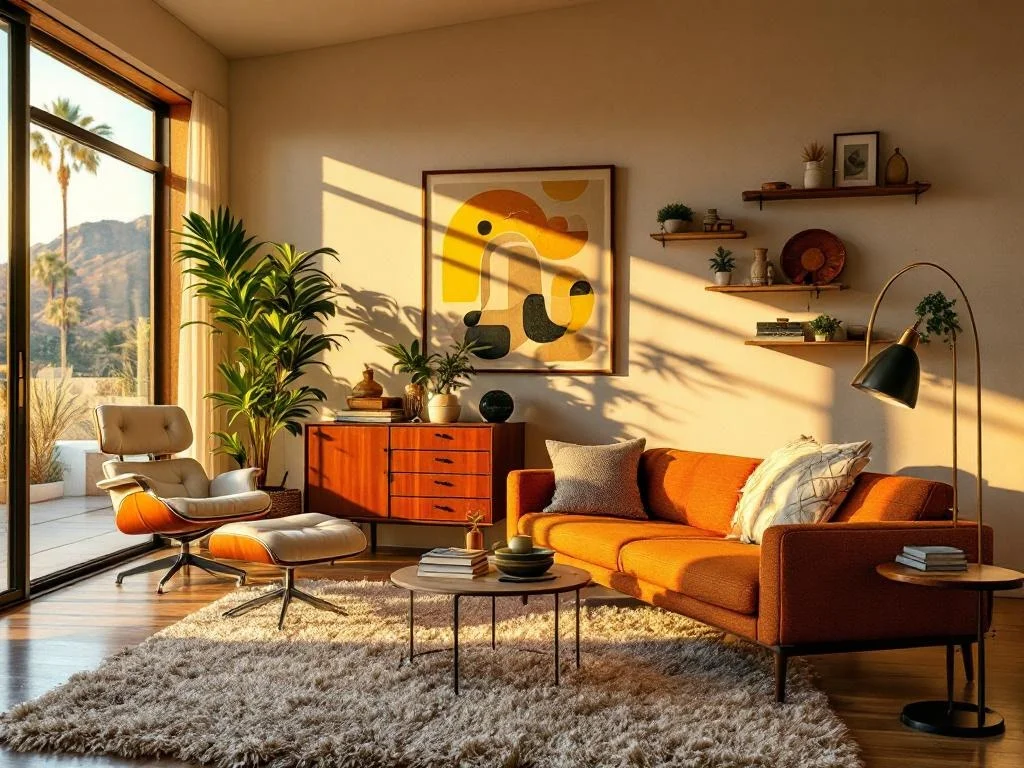
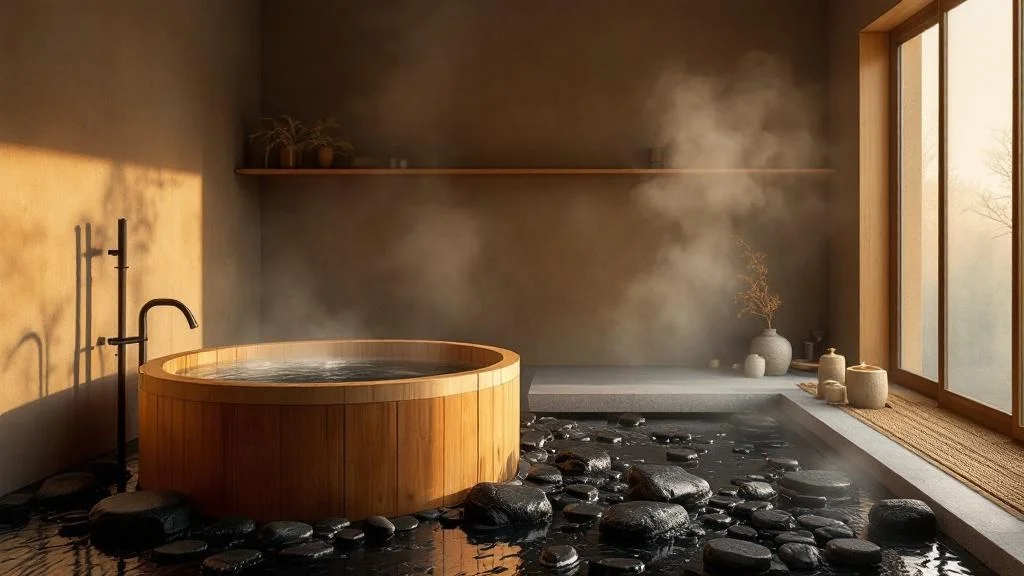
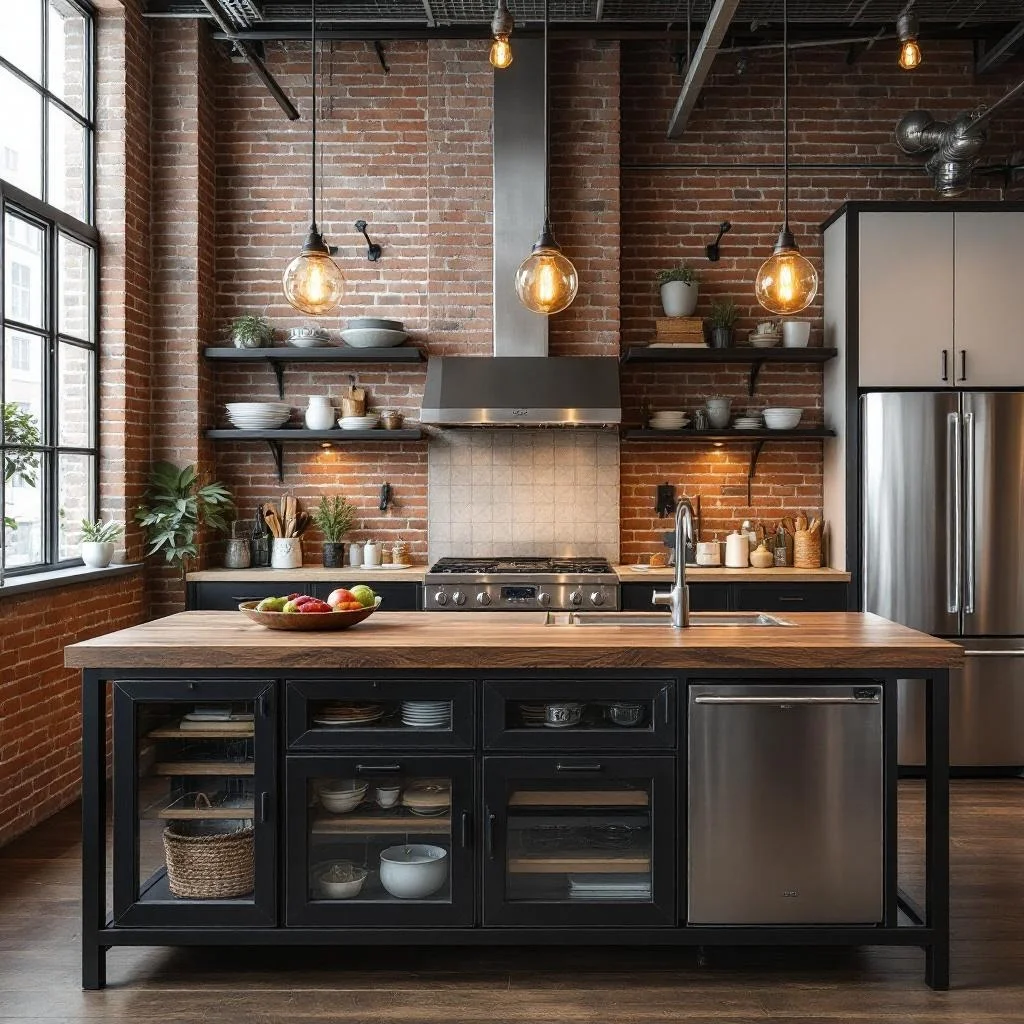
The strongest story here is practical: turn one room brief into several presentable directions, tighten finishes and lighting, then compare the strongest options with the client before production work begins.
Move from one room brief to modern, japandi, or premium variations in minutes, then keep the strongest options side by side for review.
The strongest value here is iteration: softer textiles, warmer woods, cleaner styling, or a different lighting mood can all be explored inside one workspace.
This page works best when the user is shaping one interior concept into a few reviewable directions.
Finishes, decor language, and lighting mood should feel like the natural edit surface for interior work.
The version tree matters because interior work usually needs several presentable options, not one throwaway image.
This narrative should feel operational: prompt the room, refine the scene, compare branches, then hand off the polished frame that actually deserves presentation time.
Start with a clear prompt, choose a room type and style, or use a template when you need a proposal-ready starting point.
Use prompt detail plus iterative edits to explore finishes, textiles, furniture language, and lighting mood with less back-and-forth.
Keep multiple options in the version tree so feedback happens on real images instead of abstract notes or moodboard guesses.
Upscale the selected render to 4K, download it, and move it into decks, concept boards, or your next approval round.
This gallery makes the page feel more interior-native: living, kitchen, bedroom, dining, and office examples framed as actual proposal directions rather than generic inspiration tiles.

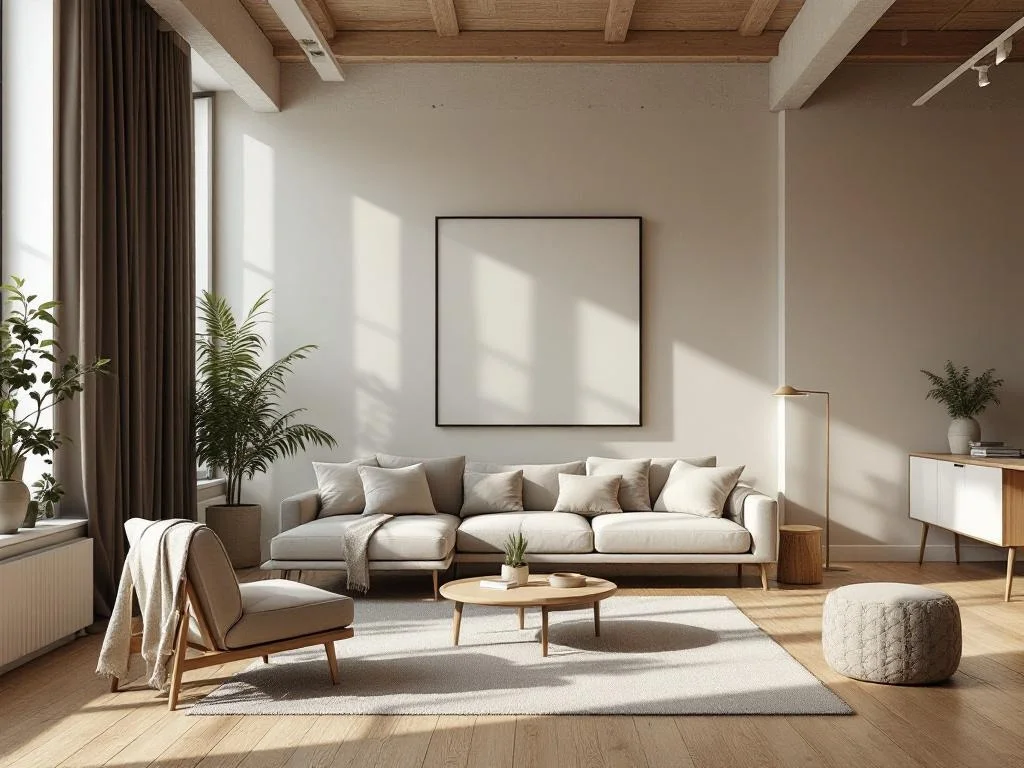
Soft oak, calm neutrals, editorial furniture spacing
Minimal living loft with soft neutrals, warm oak, and a calm editorial furniture layout.

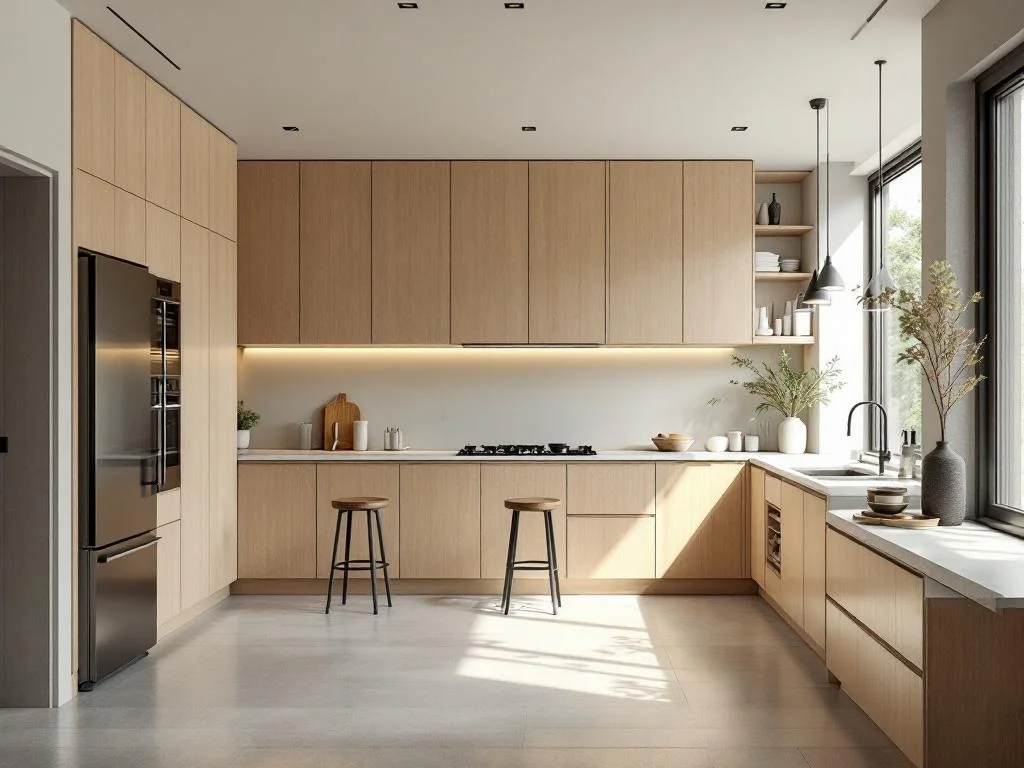
Pale timber, stone counters, clean island lighting
Japandi kitchen with pale timber, stone counters, and clean natural light across the island.

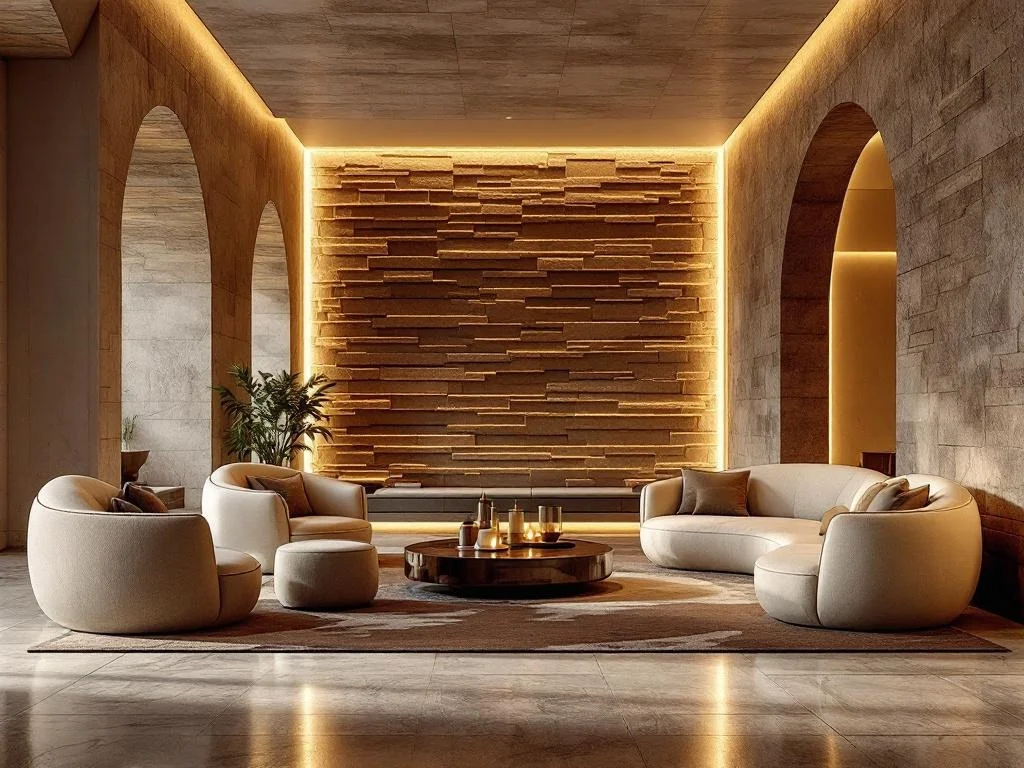
Layered stone, sculpted seating, premium ambient light
Luxury hospitality lounge with sculptural seating, layered stone, and dramatic ambient lighting.

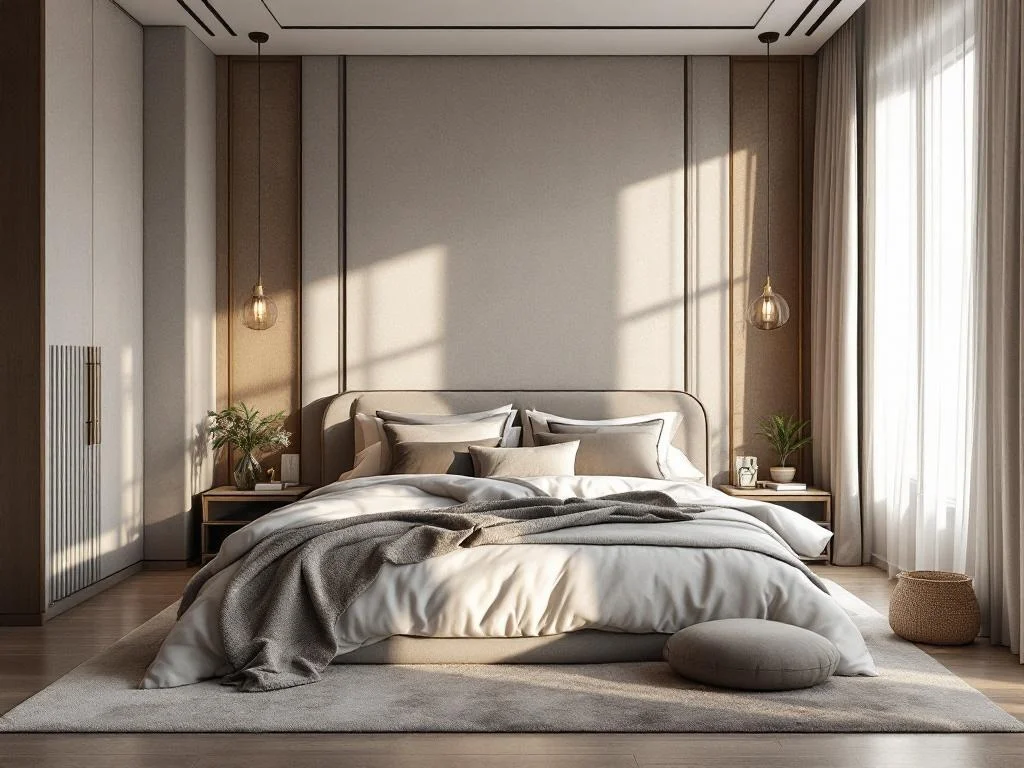
Low-contrast palette, plush textiles, evening calm
Contemporary bedroom suite with plush textures, soft contrast, and quiet evening light.

Sculpted chairs, matte oak, crisp daylight
Scandinavian dining room with sculpted chairs, matte finishes, and crisp soft daylight.

Integrated shelving, side light, clear work zone
Modern home office with integrated shelving, focused desk setup, and bright natural side light.
Our AI Interior Design Generator turns written descriptions or uploaded reference photos into photorealistic room visualizations. From residential redecoration to hotel lobbies, co-working lounges, public libraries, museum foyers, restaurants, and airport zones — the tool produces professional-quality interior renders in about 30 seconds, no rendering software or design expertise required.
Traditional interior design visualization requires 3D modeling skills, expensive software licenses, and hours of rendering time. AI changes this entirely: describe the room you envision (or upload a layout / mood board / inspiration photo), choose a style, and get a photorealistic result instantly. It's ideal for rapid iteration — generate dozens of variations to find the perfect direction before investing in physical changes.
Upload a floor plan, an existing room photo, or a mood board, and the AI uses it as a composition baseline — preserving camera angle, layout, and spatial proportions while photorealizing materials, lighting, and finishes per your prompt. Ideal for client presentations where the room shape is fixed but the styling needs exploration.
Built-in Pro templates cover scenes well beyond home interiors: grand hotel lobbies (classical / boutique / luxury / resort tropical), business contemporary atriums, co-working open lounges, public library reading halls, corporate cafeterias, wellness spa receptions, museum foyers, airport VIP lounges, boarding-gate seating, duty-free retail, fine-dining restaurants, and transit capsule hotel corridors. Pick a template to start with a curated 5-section prompt, then refine.
The generator supports 11 curated interior design styles, each producing distinctly different aesthetics:
Clean lines, neutral palettes, contemporary furniture
Light wood, white walls, cozy textiles, functional beauty
Exposed brick, metal accents, open loft spaces
Decluttered spaces, essential furnishings, calming simplicity
Eclectic mix, rich colors, layered textiles, global influences
Organic shapes, retro furniture, warm wood tones
Zen minimalism, natural materials, tatami and shoji screens
Classic furniture, rich fabrics, elegant details
Current trends, mixed textures, bold statement pieces
High-end materials, designer furniture, premium finishes
Let the AI choose the best style based on your description
You can generate designs for residential room types out of the box:
Spacious layouts with seating, lighting, and entertainment areas
Comfortable sleeping spaces with beds, nightstands, and wardrobes
Functional cooking spaces with cabinetry, appliances, and countertops
Elegant wash spaces with fixtures, vanities, and tiling
Inviting eating areas with tables, chairs, and lighting
Productive work areas with desks, shelving, and ergonomic setups
Creative multipurpose spaces for art, music, or compact living
Describe any commercial, hospitality, or public-space interior in your prompt and the AI follows your description directly
The process is simple: write a description of your ideal room, select a style and room type, then click Generate. The AI produces a photorealistic visualization you can download, share with clients, or use as a reference for purchasing decisions.
Need exterior architecture concepts as well? Try our AI Architecture Generator for building designs. Working with empty properties? Our AI Virtual Staging tool adds furniture to real photos of vacant rooms.
Get started with free generations above, or explore our pricing plans for unlimited access and high-resolution downloads.
No card required. Free users get 3 generations per day, commercial license on every paid plan.