Sketch to Render AI: How Architects Turn Hand Drawings into Photorealistic Renders in 2026
A practical guide to AI sketch-to-render for architects, students, and designers. What it does, how it fits real workflows, and where it still falls short.
In this article
A practical guide to AI sketch-to-render for architects, students, and designers. What it does, how it fits real workflows, and where it still falls short.
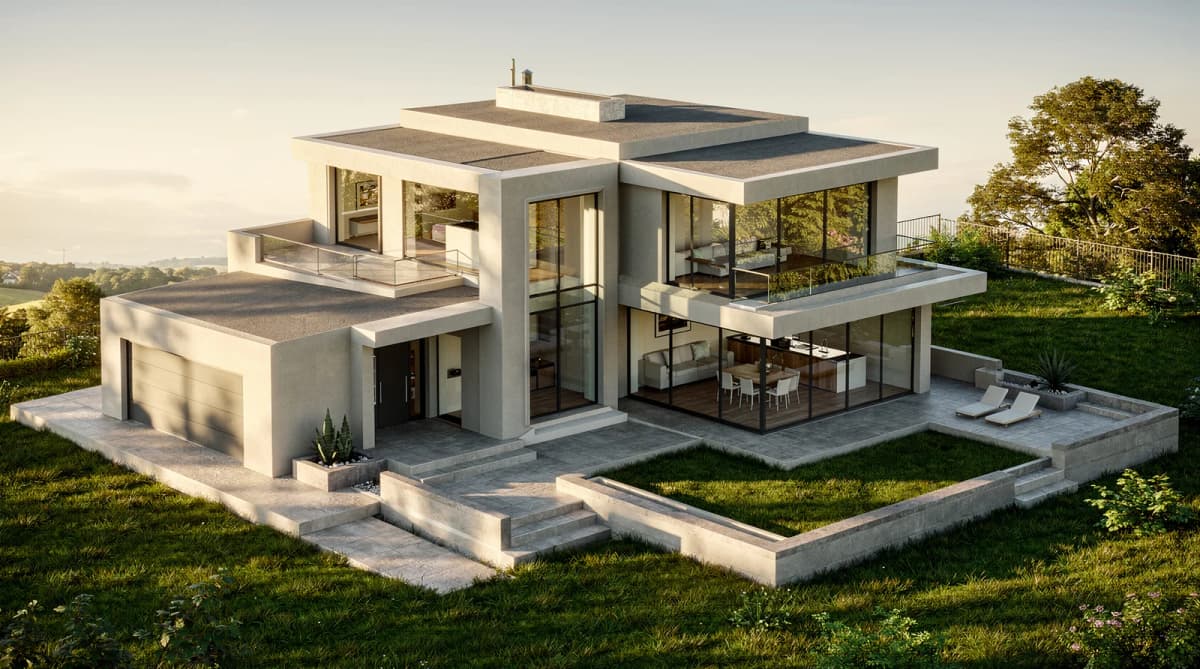
TL;DR. Sketch-to-render AI takes a hand drawing, a SketchUp wireframe, or a CAD line export and produces a photorealistic architectural render in roughly 30 seconds, compared to the 8-40 hours a traditional V-Ray pass requires. It is most useful in concept and client-iteration phases, less useful for final hero shots. If you want to try it without setup, aiarchgenerator.com runs in the browser with a free tier. For the practical 4-step workflow summary, see our sketch-to-render use case page.
What Is Sketch-to-Render AI?
Sketch-to-render AI is a class of generative tools that read an architectural line drawing — pencil sketch, marker concept, SketchUp/Rhino wireframe, AutoCAD export — and synthesize a photorealistic image that preserves the geometry of the input while filling in materials, lighting, vegetation, and atmosphere.
The technical core is a diffusion model (the same family that powers Midjourney and Flux) wrapped in a structure-preservation layer such as ControlNet or Flux Kontext. The structure layer reads your line work and constrains the diffusion process so the final render keeps your massing, fenestration, and perspective. A text prompt — usually a combination of style ("Scandinavian minimalist"), program ("residential villa, dusk"), and material hints ("warm timber cladding, dark steel mullions") — fills in the rest.
Compared with traditional rendering pipelines (V-Ray, Corona, Lumion, Enscape, Twinmotion), the difference is generative versus simulated. V-Ray ray-traces actual light bouncing off geometry you have modelled and textured. AI rendering invents a plausible final image from the line work plus a description. The first is physically accurate; the second is fast and looks photorealistic enough that most clients cannot tell the difference at concept stage.
Where it fits in early-stage design
The most useful place for AI rendering is the front of the project, when the design is still soft and you are looking for direction. A rough massing sketch becomes a photorealistic image in seconds, which means you can see what an idea actually looks like before committing to it. That feedback loop is where AI rendering produces real creative value — not as a replacement for design thinking, but as a faster way to surface inspiration. A material you would not have considered, a lighting condition you had not pictured, a style direction you would have written off on paper — the render makes the option visible, and the decision becomes easier.
The second leverage point is project adjustment. Once you have a render direction you like, changing your mind is cheap. Swap the cladding from timber to white stucco. Move the sun from morning to dusk. Replace the lawn with a gravel courtyard. Add deciduous trees on the left. Each variation takes another 30 seconds, not another 6 hours. The lighting case is the one I find myself running most often — cycling the same massing study through morning, golden hour, and dusk surfaces differences in how the building reads that I would not have predicted from the model alone, and the comparison usually ends up changing something about the design itself, not just the render. This means your design choices stay reversible far longer in the project, and the client conversation moves from "do you approve this rendering" to "which of these directions do we want." That shift, more than any single feature, is what changes how AI rendering feels in practice.
What AI does not replace, at least in 2026, is the final delivery render. When the design is locked and you need a hero shot for a competition board or a marketing brochure, V-Ray or Corona with a real materials library still produces a more controllable and more accurate image. AI sits in the early-and-middle of the project lifecycle, where speed and creative flexibility beat precision.
Why Architects Switch to AI Rendering
Three numbers explain the shift.
Time. A traditional V-Ray pass on a residential villa runs 8-40 hours of human time and machine time combined — modeling cleanup, material assignment, lighting, post-processing. An AI render of the same scene takes about 30 seconds.
Cost. Outsourcing a single rendering to a visualization studio costs $50-500 per image depending on quality and turnaround. AI rendering on a SaaS subscription works out to roughly $0-5 per image at typical usage tiers.
Iteration count. Because the per-render cost approaches zero, architects iterate more aggressively — eight or ten variations instead of two or three. Clients also revise more freely, because the cost of "what if we tried it in red brick instead" is no longer a day of someone else's time.
The honest caveat: AI rendering does not replace the entire pipeline. It replaces the concept-and-iteration block. Final delivery renders, technical drawings, and animations still go through the conventional toolchain.
Step-by-Step: From Sketch to Render in Four Steps
The four steps below cover the broad workflow. For a granular walkthrough of capturing a hand sketch specifically — scan vs phone settings, cleanup, prompt patterns — see the step-by-step guide.
1. Prepare your sketch
Whatever the medium, the AI cares about three things: line clarity, perspective consistency, and tonal contrast.
- Line clarity. Use a thick enough line that the structure layer can detect it cleanly. Scanned pencil sketches work; light pencil at 72 dpi often does not.
- Perspective consistency. AI will not fix a broken perspective. If your vanishing points are off, the render will be off.
- Tonal contrast. Avoid heavy color fills. A clean line drawing with light shading produces better output than a fully colored study, because the AI has more room to interpret materials and lighting.
2. Upload to the tool
Most browser-based AI rendering tools accept JPG, PNG, or PDF. Aiarchgenerator's Architecture Generator accepts up to 8 MB per image and runs the full process in-browser; no plugin install required.
3. Choose a style and building type
Style and program are the two prompts that shape the final image most. "Scandinavian minimalist residential villa at dusk" produces a wildly different render from "Brutalist commercial office, harsh midday sun" even with the same underlying line work. If you are unsure where to start, browse a template gallery — pre-built style + program combinations cover most common starting points.
4. Generate, then iterate
The first render is rarely the final one. The fast feedback loop is the actual point of AI rendering: change one variable (material, time of day, vegetation density) and regenerate. Most tools, including aiarchgenerator, let you "lock" a render you like as a baseline and run further edits against it, so you do not lose a good direction while exploring variations.
What Sketch Types Work Best?
After running thousands of inputs, the patterns are consistent.
Works well
- Hand sketches in pencil or pen with clear linework
- SketchUp / Rhino exports as wireframe or hidden-line PNG
- AutoCAD line drawings flattened to 2D
- Napkin and trace-paper concept sketches
Works poorly
- Sketches with heavy color fill — the AI fights your color choices instead of interpreting structure
- Drawings with broken perspective — output will inherit and amplify the error
- Very loose gestural sketches without recognizable architectural elements — the AI fills in too much from imagination, and the result drifts from your intent
If you are converting from SketchUp specifically, the workflow has its own quirks; see the SketchUp to photorealistic render guide.
Common Use Cases
Concept design phase. The sweet spot. Iterate massing and material directions in front of the client without committing to a full render.
Client presentation drafts. Quick hero shots for a midpoint review. Clients accept "AI-generated concept render" as a category and respond more openly than they do to a polished V-Ray that feels final.
Competition board drafts. Build a board layout in an afternoon, render six variations, pick the strongest direction, and only then commit to the final V-Ray pass.
Student portfolios. For architecture students, AI rendering removes the rendering-software learning curve from the design problem. You can focus on the design and produce defensible visuals without three months of V-Ray training.
Renovation visualization. Upload a photo of an existing facade plus a quick overlay sketch of the proposed change; AI shows the renovation in context. This is the bridge to virtual staging tools — see Virtual Staging if you need to swap furniture in interior shots specifically.
Each of these maps to a starting template; the template library groups them by use case.
Free vs Paid AI Architecture Rendering
A reasonable framing: think in cost-per-render against your monthly volume.
If you generate fewer than 10 renders a month — students, occasional users, anyone exploring the category — a free tier is enough. You will not get every advanced feature (3D mesh export, advanced edit modes, batch generation), but you can produce real client-quality concept renders.
If you generate 50-200 renders a month — practicing architects in concept phase, regular client iteration — a starter tier in the $15-25 range usually pays for itself on the first project. The math is straightforward: one outsourced V-Ray pass averages $150-300; a month of starter tier subscription costs less than one render.
If you generate 500+ renders a month — small studios using AI rendering as a daily-use concept tool, or running mass variations for marketing — a pro tier with higher quotas, mesh export, and batch features is the operating cost, not a luxury.
See the pricing page for current tier definitions.
Limitations You Should Know
It is more useful to publish honest limits than to oversell. Five real ones.
Complex parametric geometry. Curved-panel facades, parametric shading systems, or highly articulated double-skin facades render less reliably than orthogonal massing. The structure layer can lose detail on dense curvature.
Interior light consistency. AI-rendered interiors with deep spaces (long corridors, multi-room cuts) sometimes show inconsistent light behavior — a window casting in one room but not the adjacent one. V-Ray and Corona still beat AI on physically consistent interior light.
Material specificity. If the project specifies "Mutina Pico tile in matte cream" or "Accoya cladding in oxidized grey," AI will not render that exact material. It will render something plausible from the same family. For final delivery requiring material accuracy, you still need a model with assigned materials.
Perspective fidelity. AI does not correct perspective errors in the input. It propagates them. Garbage perspective in, garbage perspective out — but with photorealistic textures, which can make the error harder to spot.
Brand or trademark elements. AI rendering will not reliably reproduce specific furniture pieces, brand storefronts, or trademarked elements you may need for a contextual render.
These are not deal-breakers; they are the boundary of where AI rendering ends and conventional rendering begins.
FAQ
Is sketch-to-render AI free? Yes — most tools, including aiarchgenerator, offer a free tier with no credit card required. The free tier is sufficient for casual use up to roughly 10 renders per month; paid tiers start around $15-25/month for higher volume, advanced editing, and 3D mesh export.
How long does AI rendering take? About 20-40 seconds per render. That compares with a traditional V-Ray pass at 8-40 hours of human and machine time combined, which is the core productivity shift driving adoption in 2026.
Can I use AI renders for client deliverables? Yes for concept and mid-stage deliverables, no for most final hero shots. Clients widely accept AI-generated concept renders for early presentations and competition drafts; final marketing material and published competition boards still typically finish in V-Ray or Corona for material accuracy.
Do I need design software experience? No. Browser-based AI rendering tools accept hand sketches and photos directly with no Revit, SketchUp, or Rhino required. If you do have those exports, they work too — but the entry bar is just a sketch and a browser.
Does it work with hand-drawn sketches? Yes, as long as the linework is clear and the perspective is consistent. Pencil sketches scanned at 200 dpi or above work reliably; very faint or heavily gestural sketches produce less predictable output because the AI structure layer cannot detect intent confidently.
What file formats are supported? JPG, PNG, and WebP, up to 10 MB. Aiarchgenerator's Architecture Generator accepts these formats directly in the browser; PDF and CAD-native formats are not currently supported as upload inputs.
Can I edit the render after generation? Yes. Modern AI rendering tools support iterative editing — change a material, swap furniture, alter time of day, or rewrite a free-form prompt — without regenerating from scratch. This is where the iteration speed advantage compounds across a multi-revision project.
Start Rendering Your Sketch in 30 Seconds
You do not need a plugin install, a render farm, or three months of V-Ray training to produce a credible architectural render in 2026.
- Free tier, no credit card required
- Runs in the browser, no install
- Pre-built styles covering residential, commercial, hospitality, and adaptive reuse
Or browse the template library to start from a pre-built style and program, or read the practical 4-step workflow by audience.
More Posts
More Posts
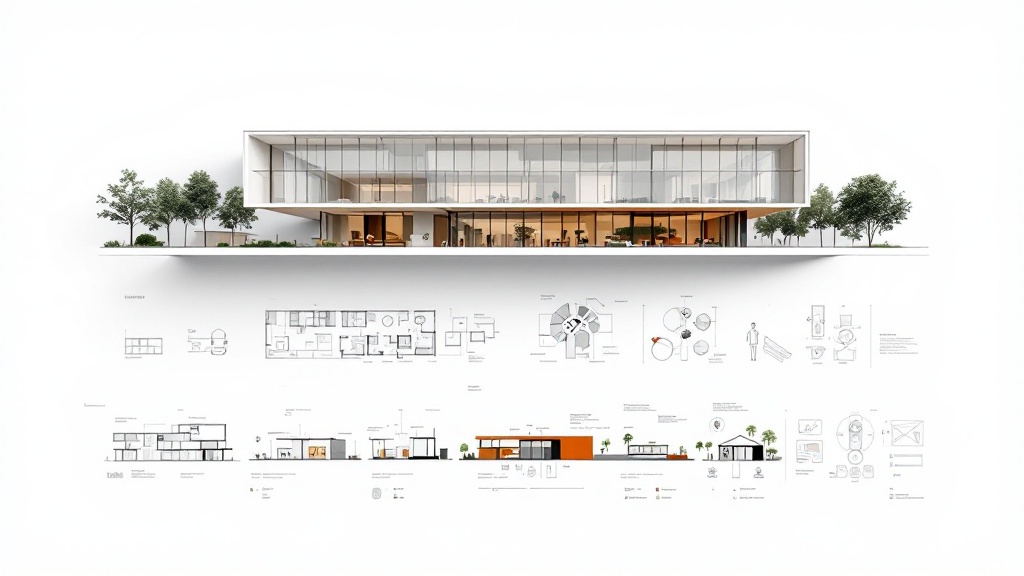
Architecture Presentation Board: A Complete Guide (Layout, Examples + AI)
A complete guide to designing an architecture presentation board — essential elements, layout and hierarchy, competition vs client boards, and how to speed it up with AI.
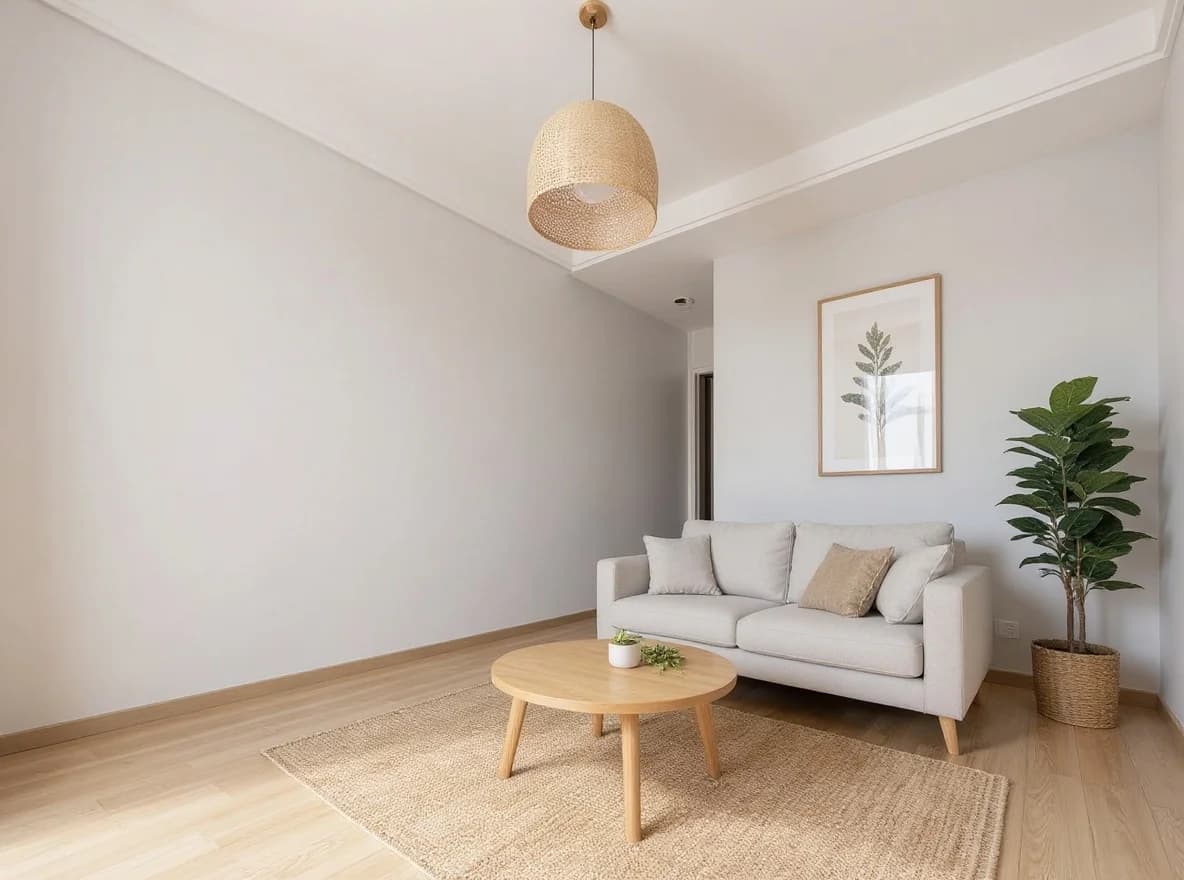
AI Virtual Staging for Real Estate: The 2026 Realtor Playbook
When AI virtual staging wins vs traditional staging, MLS disclosure rules, and the per-listing economics that make it work for every vacant listing.
How to Make an Interior Design Mood Board (Step-by-Step + AI Shortcut)
A practical, step-by-step guide to building an interior design mood board — by hand or with an AI mood board creator — and turning it into a client-ready presentation.
Get the next product and workflow notes in your inbox
Newsletter
Join the community
Subscribe to our newsletter for the latest news and updates