
Virtual Staging for Real Estate.Empty listing photo → MLS-ready furnished image in 60 seconds.
The workflow realtors and property managers use in 2026 to stage every vacant listing — not just the premium ones. Traditional staging costs $1,500-$3,500 per listing and books 1-2 weeks of physical setup; AI staging costs $15-50 per photo and ships in under a minute, so vacant listings stop sitting empty on the MLS.
Free to try · No credit card required
Three audiences, one workflow.
Cut listing-prep time from 2-3 weeks to 1 hour. Stage every vacant listing — not just the premium ones — and re-list with restaged photos when a listing goes stale on the market.
Faster vacant-to-occupied conversion. Show prospective tenants what a unit can look like furnished, without spending on physical staging for short-term rental turnover.
Avoid the $1,500-$3,500 traditional staging bill. List with professionally-styled photos that compete with agent-staged listings, then keep the furniture out of your moving-out plan.
Empty room in. Furnished listing out.
Photograph the empty room
Shoot at chest-to-eye level with the camera held square to the longest wall. Natural daylight is best — open blinds, no flash. A standard listing photo is enough; you do not need a wide-angle DSLR setup.
Pick a furniture style and target buyer
Choose a style that fits the listing — Modern minimal for urban condos, Scandinavian for family starters, Mid-century for character properties, Luxury contemporary for high-end. The AI matches scale and layout to the room — sofa proportions, rug coverage, lamp placement.
Generate (~60 seconds)
Upload the empty photo, pick the style, hit generate. The AI preserves your wall colors, flooring, windows, and architectural features — it only adds furniture, art, and soft styling. Generation takes under a minute per image.
Export and publish to MLS
Download the staged image at listing resolution and upload directly to your MLS or listing platform. Most agents add a "Virtually Staged" disclosure to the listing copy — required in some states, best practice everywhere.
Four empty rooms. Four staged listings. Real outputs.
Same generator, same workflow — different furniture style prompts. Each pair below is an actual empty-room photo next to its AI-staged version.
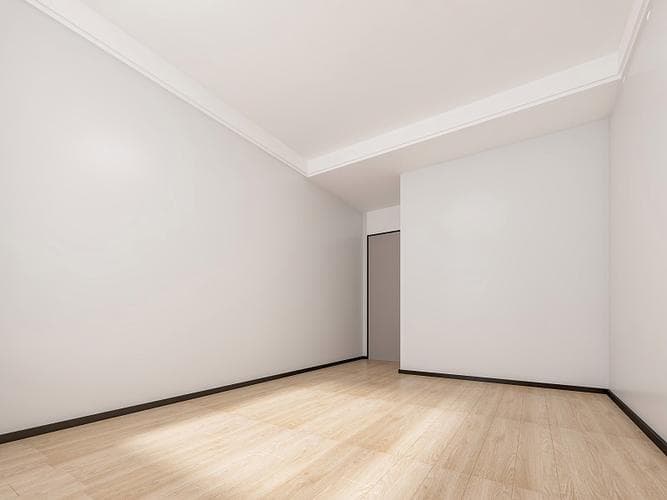
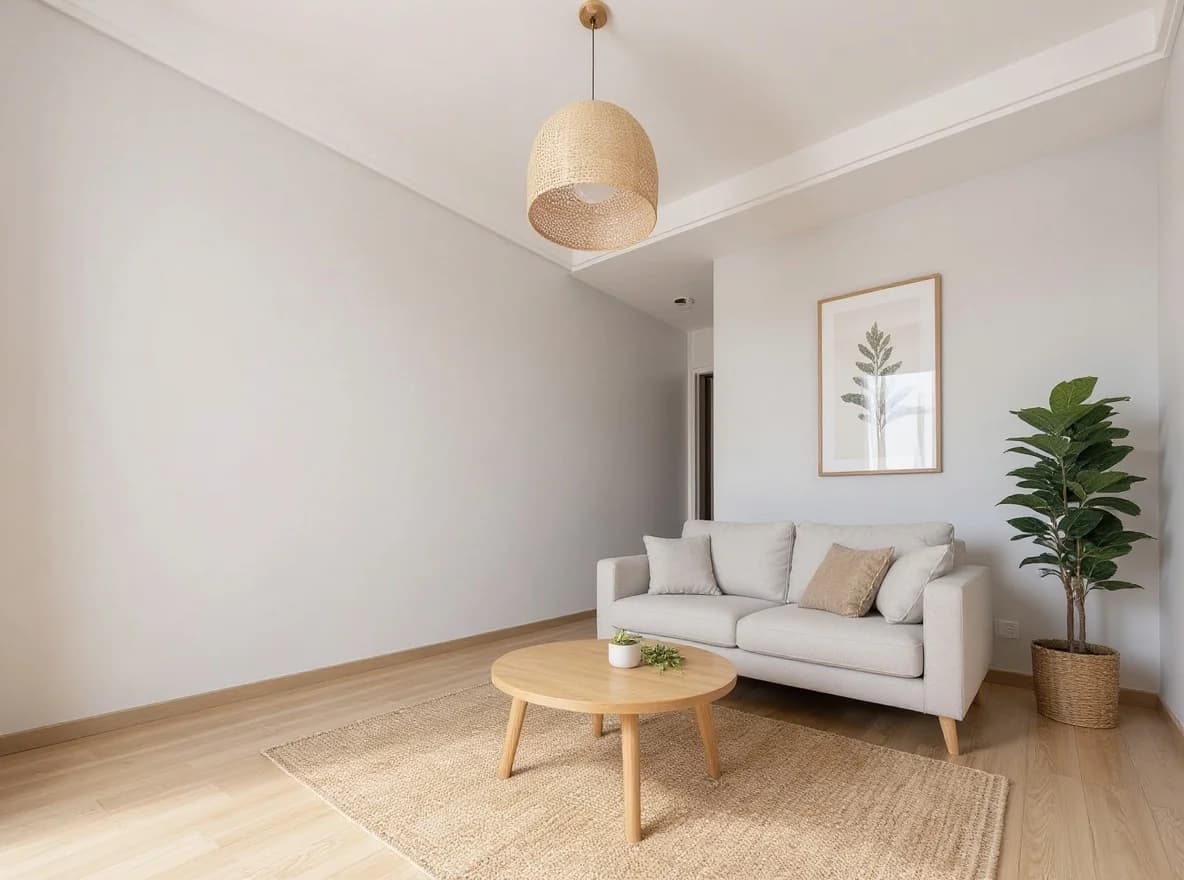
Empty → AI staged

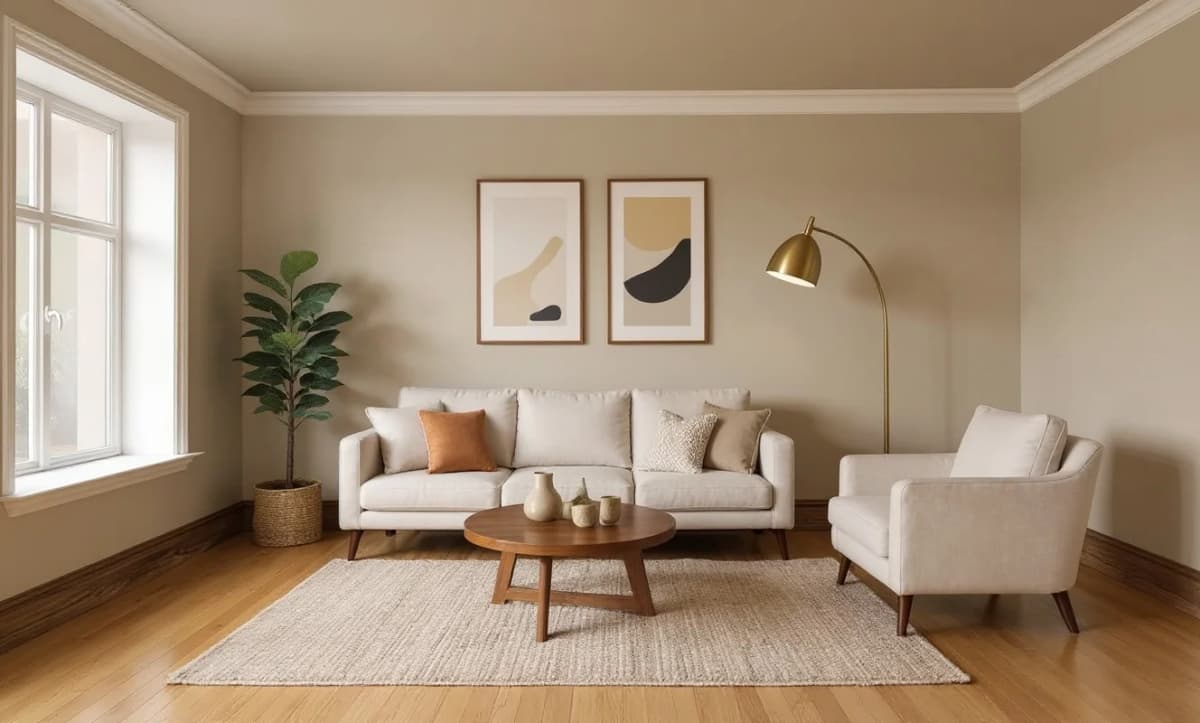
Empty → AI staged
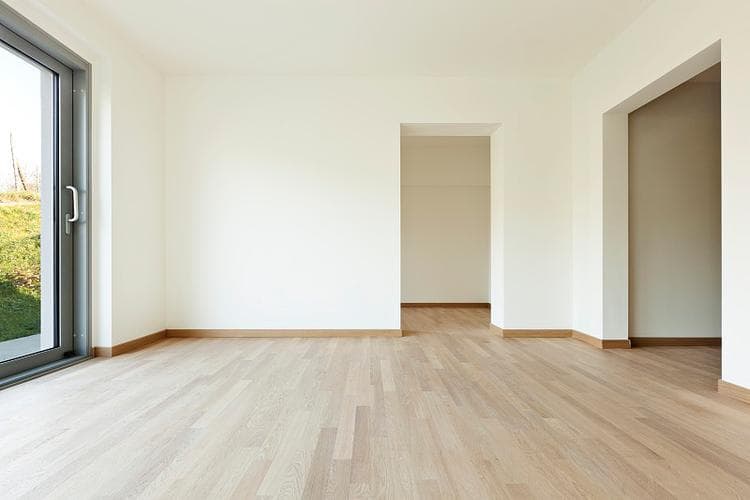
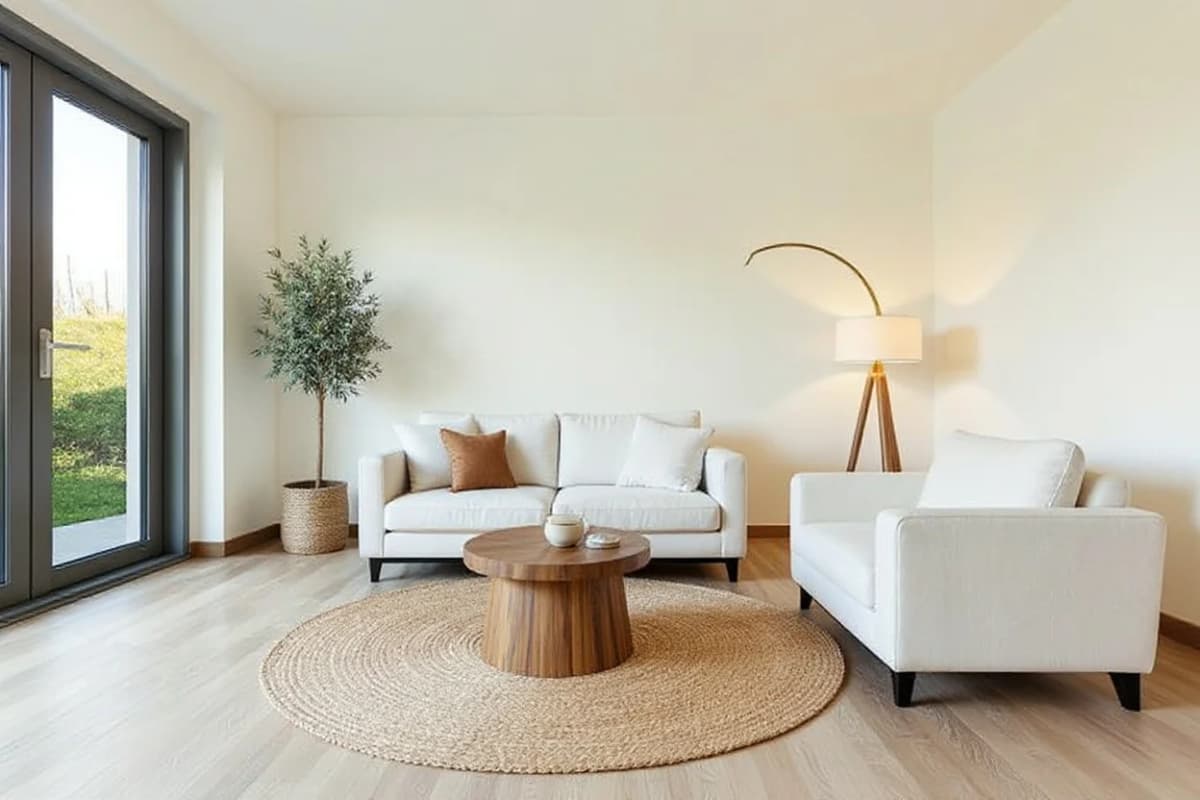
Empty → AI staged
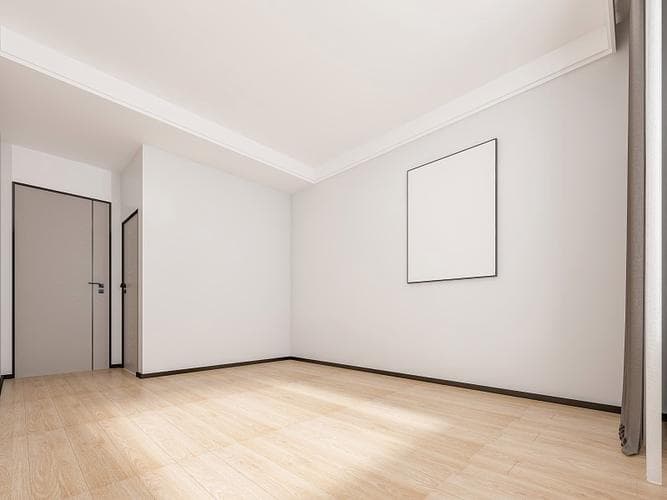
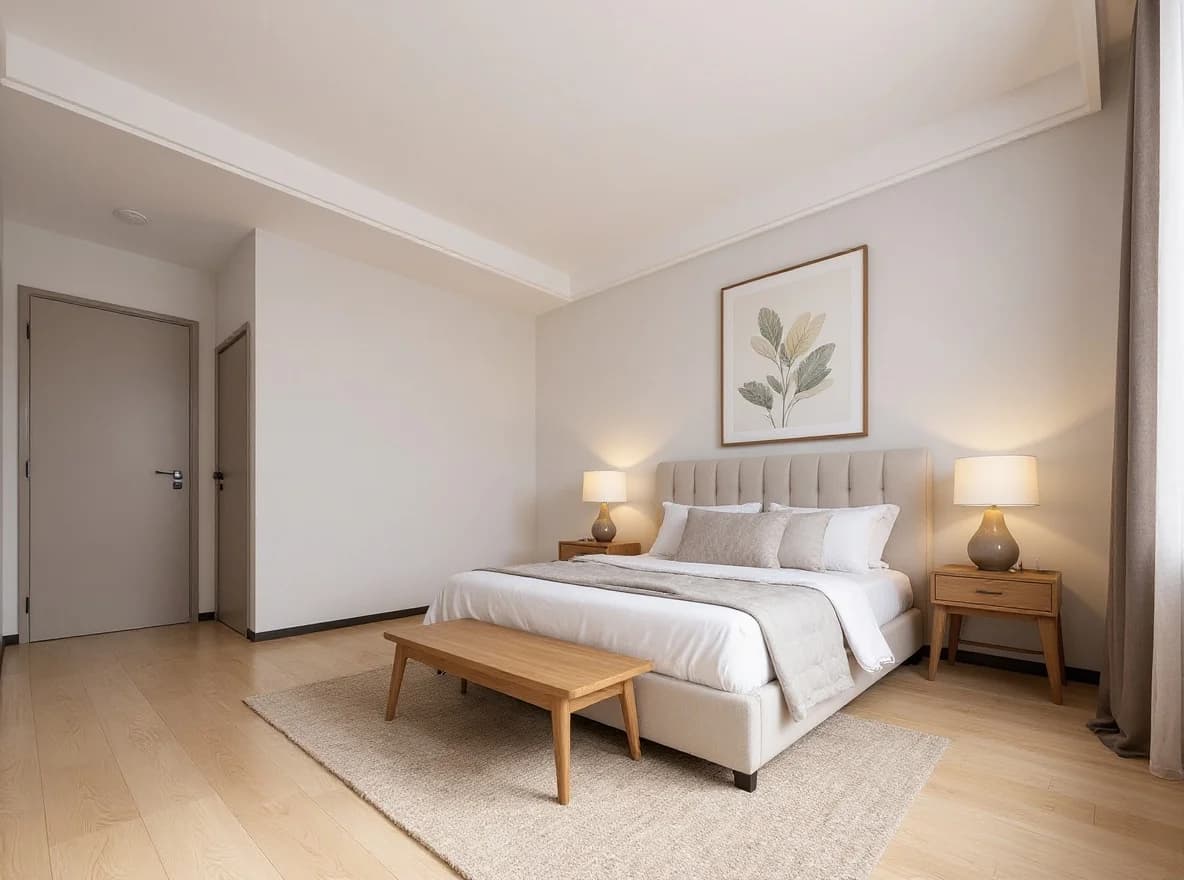
Empty → AI staged
Shoot photos the AI can work with.
- Shoot empty rooms with even, natural lighting — bright midday with curtains open beats lamp-on evening shots.
- Keep the camera square to the back wall. Angled phone photos introduce perspective tilt the AI carries into the staged version.
- Stay at chest-to-eye height — knee-level shots stretch the room and AI furniture proportions will look off.
- Avoid heavy fish-eye / ultra-wide lenses. A standard 24-35mm equivalent gives the AI a cleaner perspective to work with.
- Take photos with the floor and ceiling fully visible if possible. The AI uses room boundaries to size furniture correctly.
What AI staging cannot do.
- AI cannot fix structural issues — water stains, peeling paint, or damaged flooring stay visible in the staged result.
- Specific furniture brands ("West Elm Andes sofa", "CB2 Hoekman dining table") are not modeled — the AI produces a plausible match within the style family.
- Best for fully vacant rooms. Partially-furnished or occupied spaces give the AI conflicting layout signals and results vary.
- Heavily textured walls (exposed brick, painted murals) can confuse the AI into adding furniture that clashes with the existing surface.
- Some MLS regions require explicit "Virtually Staged" disclosure on listing photos — check your local board rules before publishing.
Start from a style template, not a blank prompt.
Templates bundle furniture style + room type + soft-styling palette into a one-click starting point. Pick the closest match to your listing, then iterate.
Related guides.
A real vacant bedroom staged in under a minute — before/after plus four furnishing directions for the same room.
Read guide →When virtual staging wins vs traditional staging, MLS disclosure rules, and the per-listing economics that make it work for every vacant listing.
Read guide →Adjacent workflow — turn architect sketches into renders. Useful for property managers planning renovations before staging the renovated unit.
Read guide →Stage your next vacant listing.
Free tier, no credit card required, runs in the browser. Upload an empty room photo and see what a staged listing looks like in under a minute.