
Interior Design Concept AI.Generate proposal-ready room concepts in 30 seconds.
Interior designers use AI rendering for client proposals; homeowners use it for renovation visualization; students use it for portfolio boards. Same tool, same workflow — concept-quality interiors without three months of V-Ray training.
Free to try · No credit card required
Four audiences, one tool.
Client proposal phase. Generate 3–5 room directions in the same meeting instead of going back to the studio for a week of moodboard work. Lock the winning direction, then move to detailed design.
Visualize a proposed renovation before commit. See what the new kitchen, master bath, or living room could look like in 4 different styles — without paying for a designer round.
Portfolio boards + project submissions. Render concept directions for studio projects without the V-Ray learning curve. Focus design energy on the proposal itself.
Pre-renovation visualization for rental units. Show owners the upside of a refresh before greenlighting the budget; show prospective tenants the design intent before move-in.
Room brief in. Concept render out.
Define room + style direction
Pick a room type (living room, bedroom, kitchen, bathroom, office, dining, nursery) and a style direction (Modern minimal, Japandi, Scandinavian, Mid-century, Industrial, Luxury contemporary). The room type + style pair anchors the rest of the render.
Layer materials + lighting + mood
Add a material accent ("oak floors, cream walls, linen textiles"), a lighting condition (golden hour / overcast / evening warm), and a mood note if needed ("calm and editorial" vs "warm family-friendly"). The more specific, the closer to intent.
Generate and iterate
Hit generate. The first render lands in 25–40 seconds. Iterate on whatever feels off — soften the textiles, swap the accent wall, shift the lighting warmer. Each iteration is a node in the version tree, nothing is lost.
Lock + refine for delivery
When a direction is right, lock it as baseline. Run a Magazine Print quality pass (Studio plan) for hero shots, then download for the client deck, portfolio submission, or contractor handoff.
What the interior generator actually does.
Modern, Japandi, Scandinavian, Mid-century, Industrial, Luxury contemporary, Mediterranean warm, and more. Each style applies a coherent material + furniture language.
Start from a hand sketch of the room layout, a photo of the existing space, or pure prompt. Sketch + photo preserve the room geometry; prompt-only generates from scratch.
Change finish material, lighting condition, or decor density on a locked render without regenerating the whole image. Keep the room composition, swap one layer.
Every iteration sits in the version tree side by side, so the client sees the comparison instead of just hearing about it. Decisions land faster on real images.
Different rooms. Different styles. Real renders.
Five room directions generated with the same tool — no curation, no retouching.
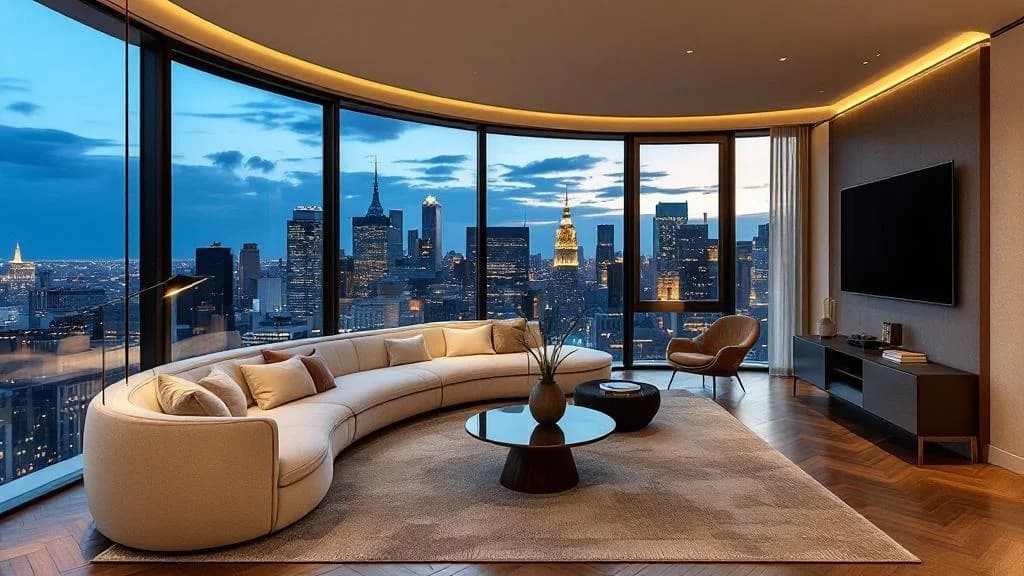
Living · Luxury
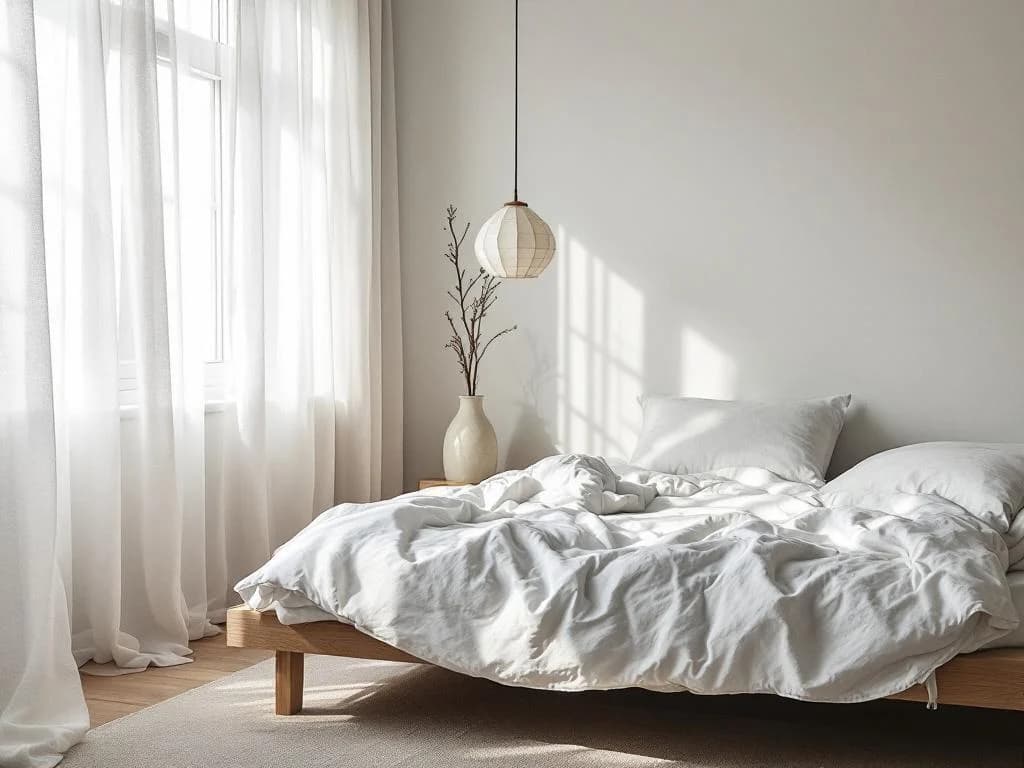
Bedroom · Scandinavian
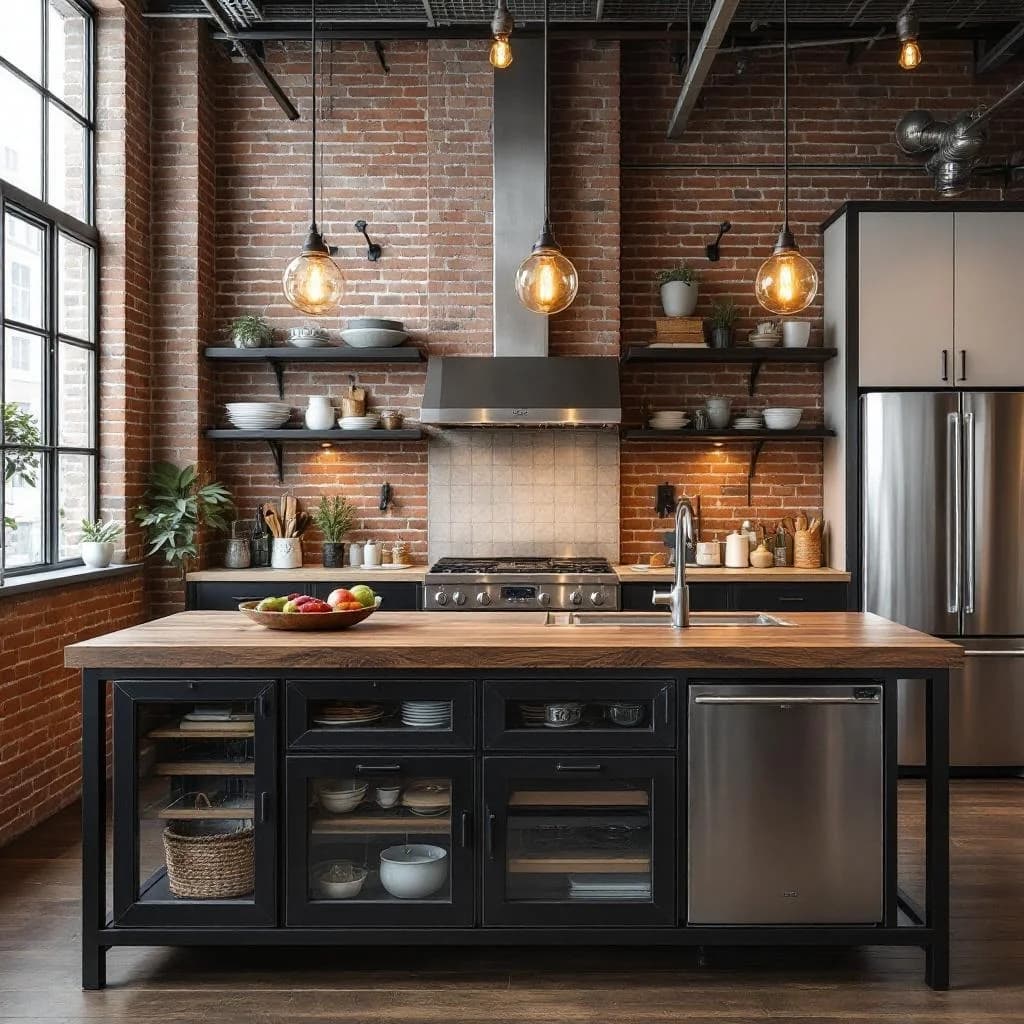
Kitchen · Industrial
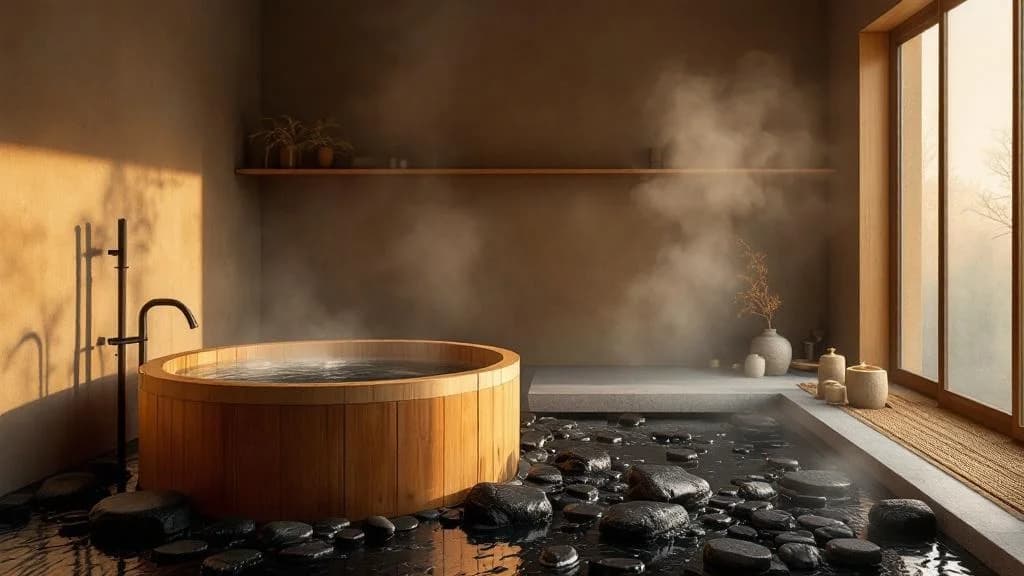
Bath · Japanese
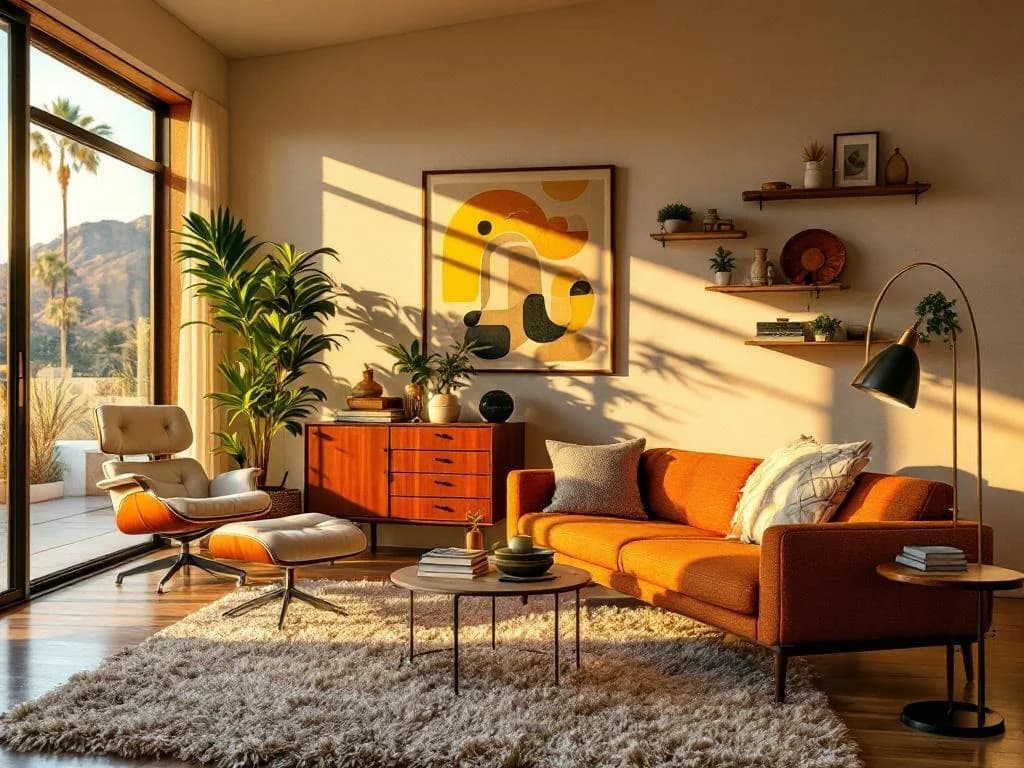
Living · Mid-century
Get a better render in one pass.
- Specify room type + style + material accent. "Living room, Modern minimal, oak floors, linen sectional" is a strong prompt; "modern living room" is weak.
- For renovation visualization, upload a photo of the existing room rather than a sketch — the AI preserves geometry from photo inputs more reliably than from rough hand drawings.
- Pick a lighting condition deliberately. "Golden hour" and "evening warm" feel intimate; "overcast midday" and "morning bright" feel calm and editorial. Different moods serve different proposal contexts.
- For client proposals, generate 3–5 variants of the same room across different styles — then walk the client through the comparison instead of asking them to imagine it.
- Lock the winning direction before doing material swaps. Trying to compare 5 materials across 3 styles at once produces noisy iteration; lock one style first, then vary materials.
Where AI interior rendering ends.
- AI interior rendering generates plausible furniture families, not exact SKUs. "Eames lounge chair, walnut + black leather" reads as Eames-style, not the licensed product specifically.
- Very small rooms (<80 sqft) and very narrow corridors render with proportional drift sometimes. Standard residential and commercial room sizes work reliably.
- Highly mirror-heavy or glass-heavy interiors (gym mirror walls, mirrored bathroom ceilings) show reflection consistency drift. Render in those cases needs more iterations.
- Color matching to a specific paint chip (e.g., Farrow & Ball Cornforth White) renders as the nearest plausible family. For exact color spec, the render shows direction, not Pantone-accurate output.
- Not for construction drawings, permit documentation, or contractor coordination. Concept renders for design intent + client communication only.
Start from a template, not a blank prompt.
Templates bundle room type + style + material accent + lighting into a one-click starting point. Pick the closest match, then iterate.
Related tools + guides.
The tool itself — upload a room photo, sketch, or paste a prompt. Free tier, no credit card.
Read →Companion use case for realtors — staging vacant rooms with furniture before listing photos.
Read →Cost economics, MLS disclosure rules, and the 4-step workflow for realtors using AI staging.
Read →Render your next interior concept.
Free tier, no credit card, runs in the browser. Upload a room photo, sketch, or paste a prompt and see what happens in 30 seconds.