
How to Make an Interior Design Mood Board (Step-by-Step + AI Shortcut)
A practical, step-by-step guide to building an interior design mood board — by hand or with an AI mood board creator — and turning it into a client-ready presentation.
In this article
A practical, step-by-step guide to building an interior design mood board — by hand or with an AI mood board creator — and turning it into a client-ready presentation.
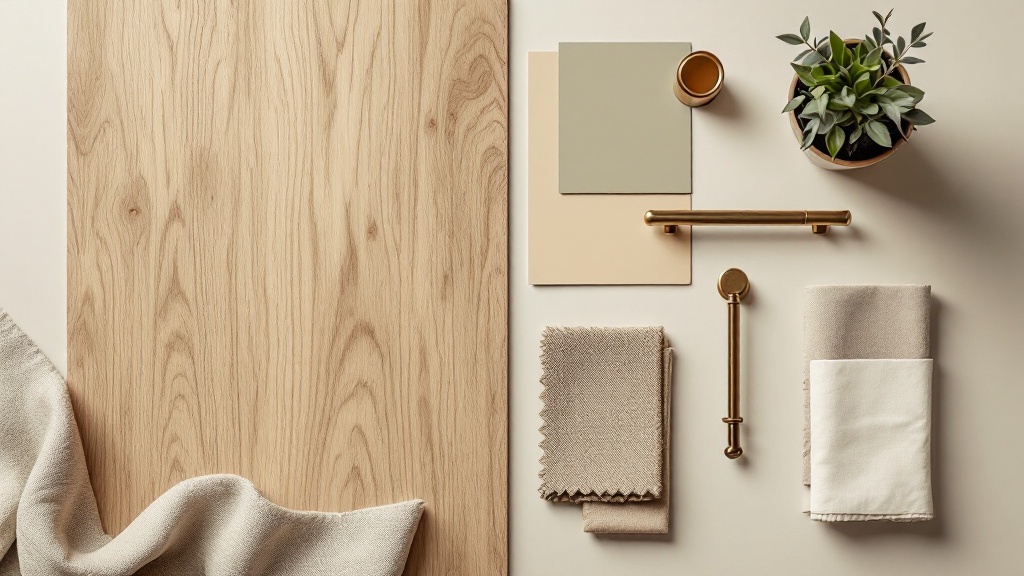
A mood board is the fastest way to turn a vague design idea into something a client can actually see and approve. Whether you are a professional interior designer pitching a project or a homeowner planning a renovation, a good interior design mood board aligns colors, materials, furniture and atmosphere before anyone spends money.
This guide covers what a mood board really is, what a strong one contains, how to make one by hand, and how an AI mood board creator can do it in minutes.
What is an interior design mood board?
An interior design mood board is a single visual that collects the look and feel of a space: color palette, materials and textures, key furniture, lighting, and often a sample render of the finished room. It is not the final design — it is the agreement about direction that everything else is built on.
A mood board answers three questions at a glance:
- What is the palette? The dominant and accent colors.
- What is the material story? Wood, stone, metal, fabric and finishes.
- What is the mood? Calm and minimal, warm and rustic, bold and contemporary.
What goes into a strong mood board
The difference between a Pinterest pile and a professional board is curation. A strong interior design mood board usually includes:
- A color palette — 3 to 5 swatches, with one or two accent colors.
- Material and texture samples — flooring, wall finishes, fabrics, metals.
- Key furniture and fixtures — the hero pieces that set the tone.
- One spatial reference — a render or photo showing how it comes together.
- A short note on intent — the feeling or use case in one line.
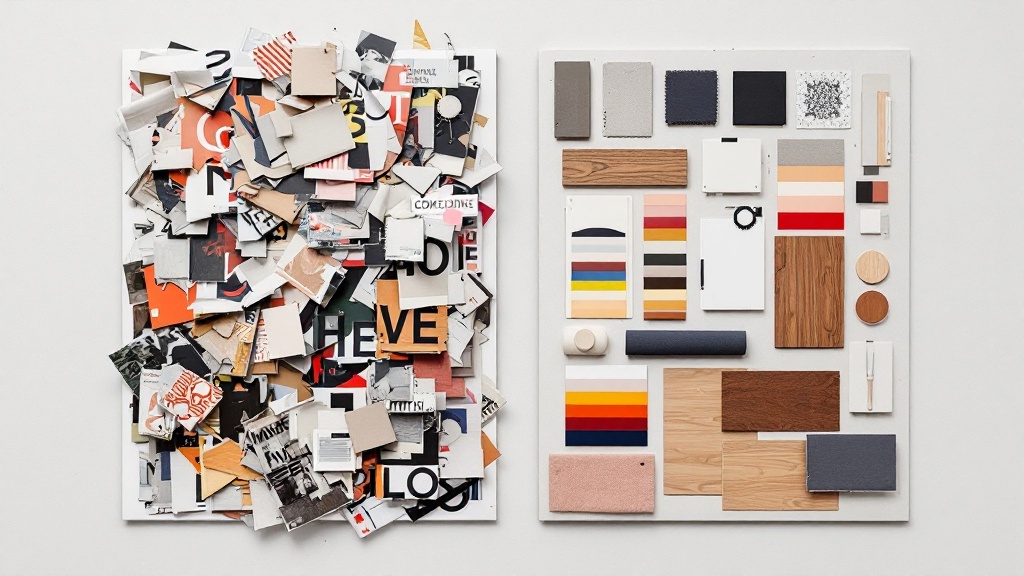
Option A: Make a mood board by hand
The traditional route still works:
- Collect references. Pull images from Pinterest, supplier sites and past projects.
- Choose a palette. Lock 3–5 colors so the board feels intentional, not random.
- Lay it out. Use Canva, Figma, Photoshop or a physical board. Group palette, materials and furniture in clear zones.
- Add real samples. Swap stock photos for actual product images and finish samples.
- Caption it. Label materials and add the one-line intent.
This gives full control but takes time, and exploring a second or third direction means rebuilding the board from scratch.
Option B: Use an AI interior design mood board creator
An AI mood board creator removes the slowest part — assembling a coherent, good-looking board — so you can spend your time on judgment instead of layout.
With the AI mood board generator, the workflow is:
- Describe the space — room type, style direction and any must-have materials.
- Generate. The tool produces a coherent board: palette, materials, furniture and a room render that actually match.
- Compare directions. Generate several style directions for the same room so you can put options in front of a client side by side.
- Refine. Adjust the palette or style and regenerate just what you need.
- Export. Download a clean, client-ready board.
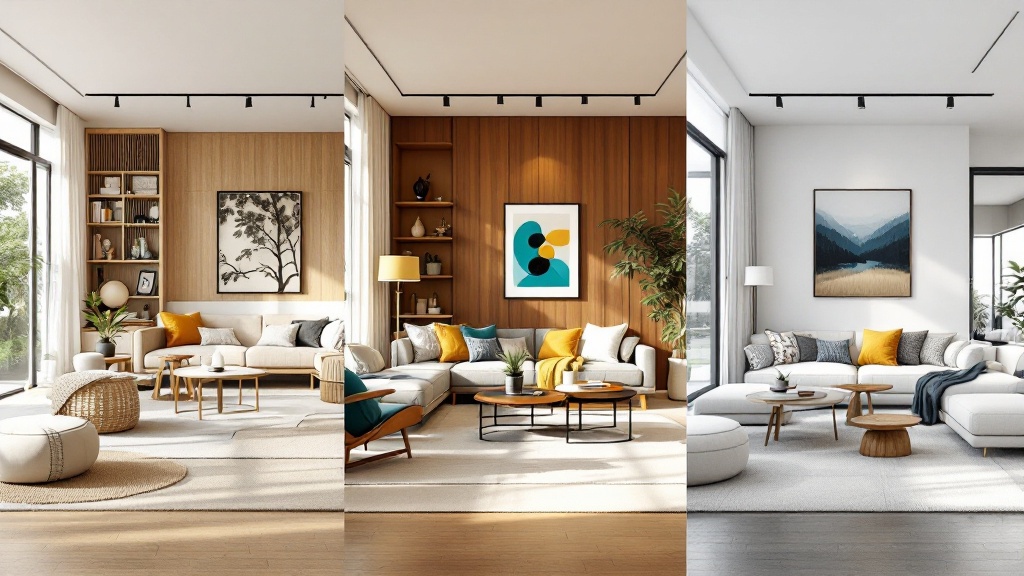
Why generate multiple directions?
Clients rarely approve the first idea. Showing two or three controlled directions — same room, different mood — turns a subjective debate into a clear choice and speeds up sign-off. If you work on full rooms, the interior design generator renders each direction as a finished space.
Turn your mood board into a client-ready presentation
A mood board is the start; what you hand the client is a presentation board. Arrange your palette, material samples and the strongest render into a clean layout with a title and breathing room. Keep one idea per board, align everything to a grid, and let white space do the work.
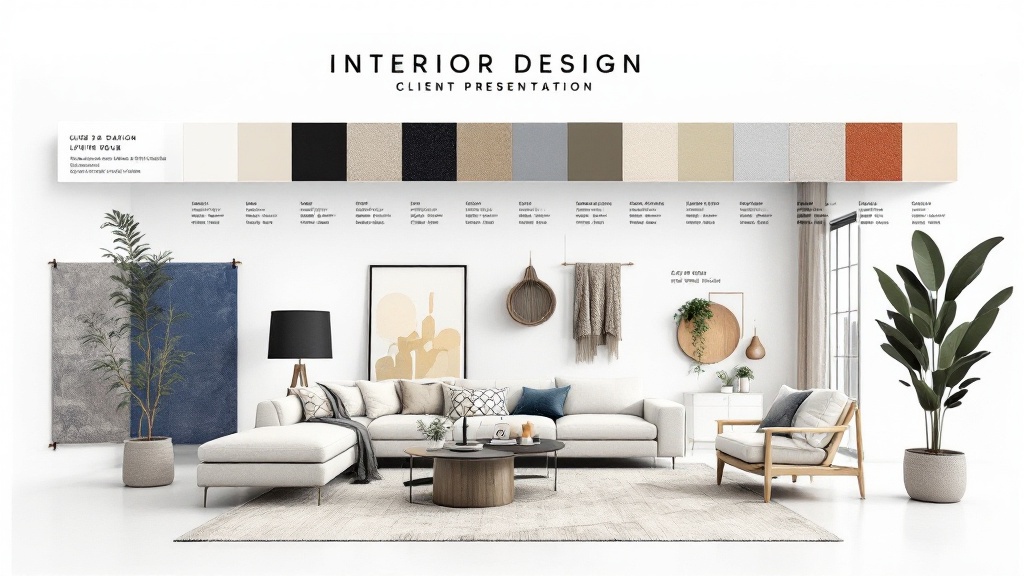
Free mood board templates vs. generated boards
Templates (Canva, InDesign, PSD) are a fine starting point if you enjoy assembling boards manually and have your own imagery. A generator is faster when you want a coherent result — and especially when you need several directions of the same space without rebuilding the layout each time. Many designers use both: generate the directions, then fine-tune in a template.
FAQ
What should an interior design mood board include?
A color palette, material and texture samples, key furniture, one spatial render or reference, and a one-line note on the intended mood.
What is the best tool to make an interior design mood board?
For manual control, Canva or Figma. For speed and multiple coherent directions, an AI mood board creator generates the palette, materials and a matching room render in one step.
How is a mood board different from a presentation board?
A mood board captures direction (look and feel). A presentation board is the polished, client-facing layout you actually deliver.
Can I make an interior design mood board for free?
Yes — you can start free with the mood board generator and create a board in minutes, then export a client-ready version.
Start your mood board
Stop wrestling with collages. Describe your space, generate a coherent interior design mood board, and explore several directions in minutes. Try the AI mood board creator →
More Posts
More Posts
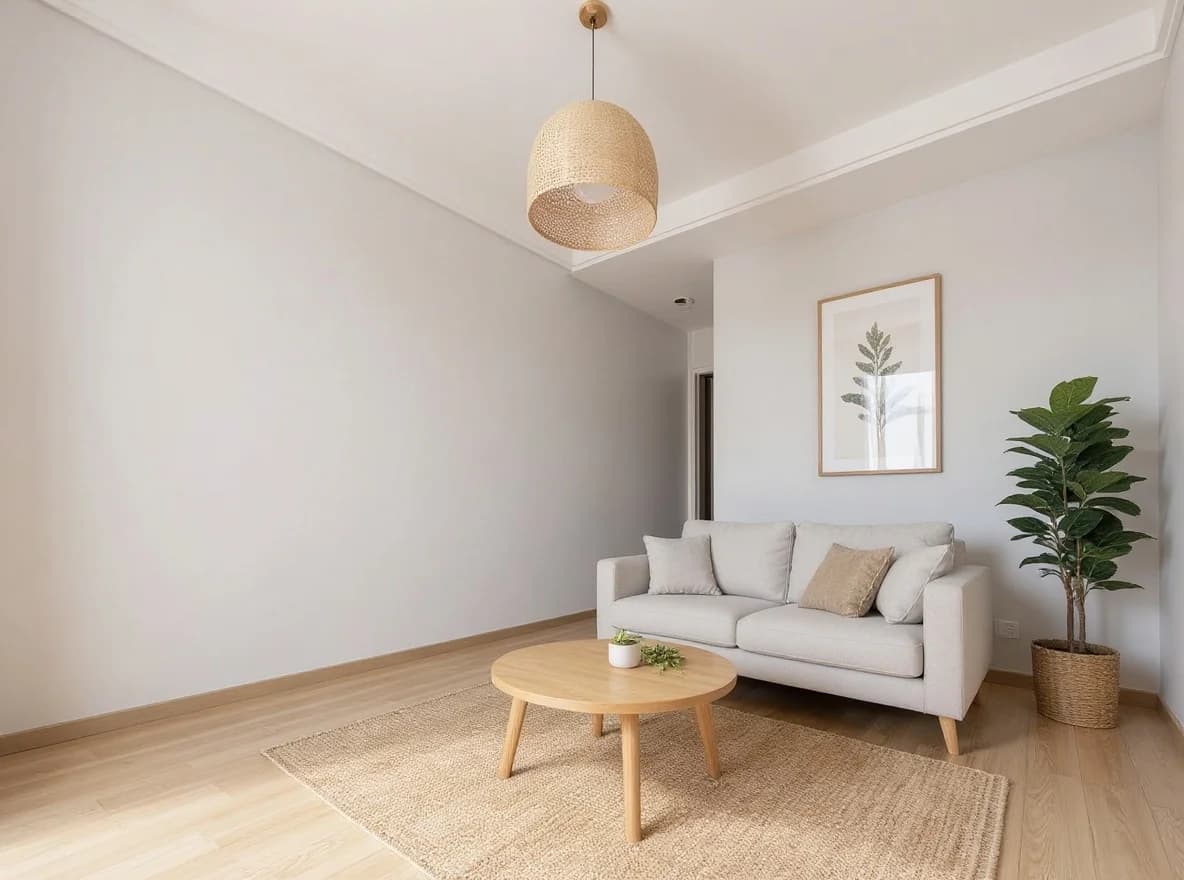
AI Virtual Staging for Real Estate: The 2026 Realtor Playbook
When AI virtual staging wins vs traditional staging, MLS disclosure rules, and the per-listing economics that make it work for every vacant listing.
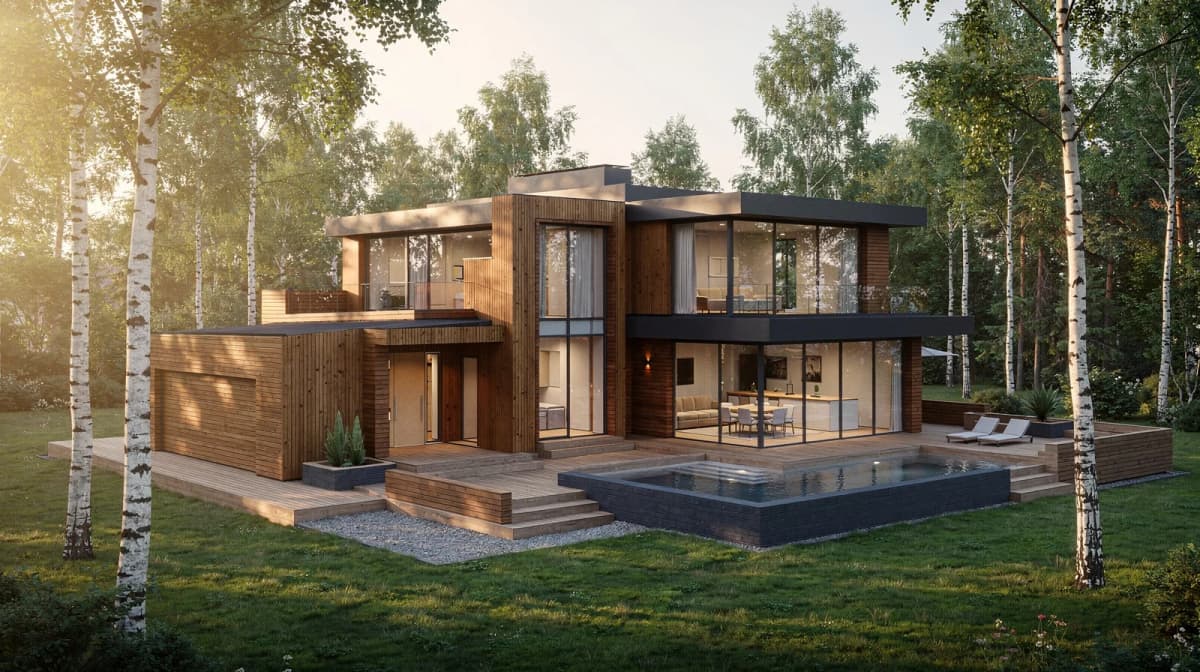
How to Convert a Hand Sketch to a Photorealistic Render: Step-by-Step (2026)
A practical step-by-step walkthrough for converting hand sketches to photorealistic architectural renders using AI. Settings, prompt patterns, and iteration tactics that actually work.
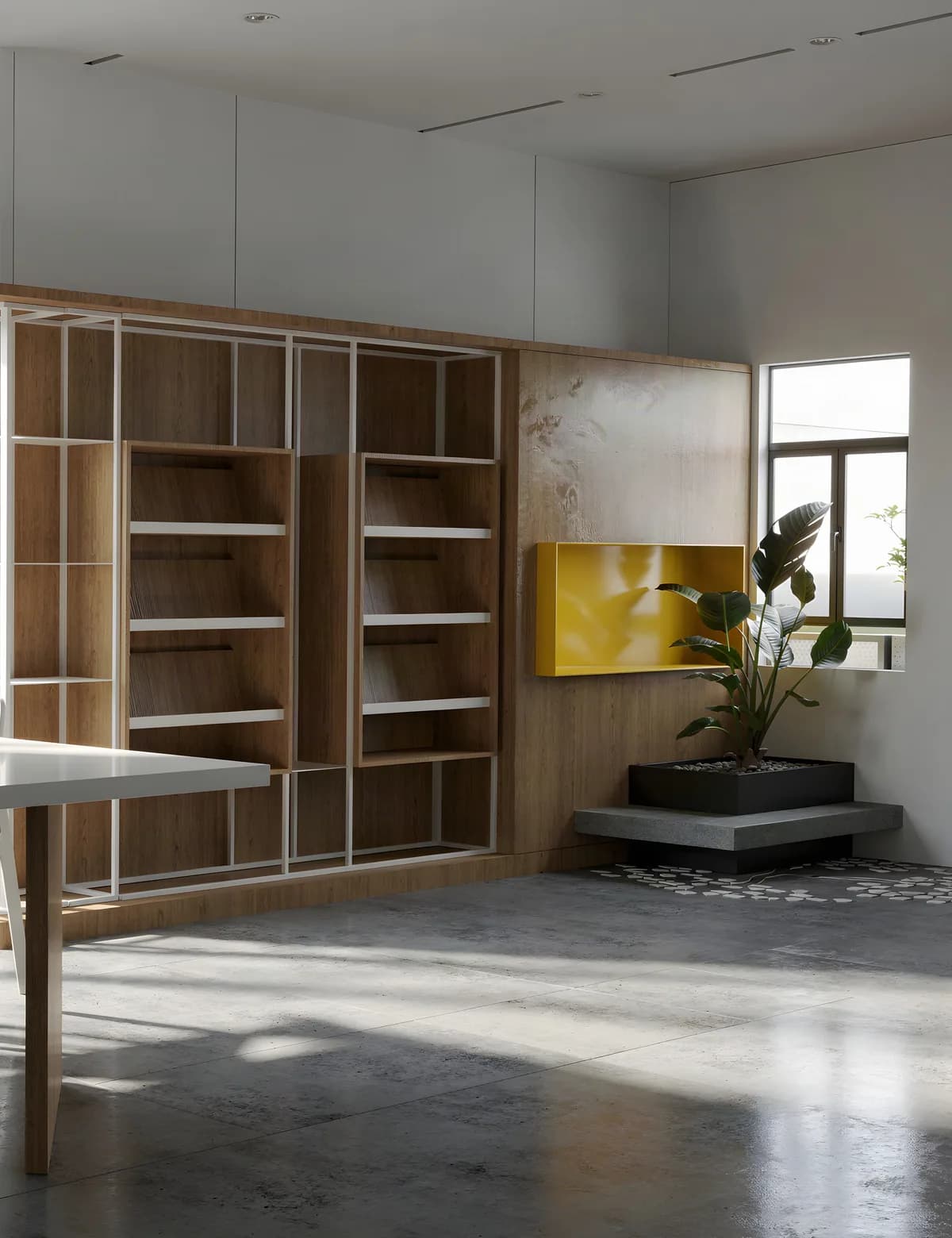
SketchUp AI Render Without a Subscription (2026 Workflow)
SketchUp's built-in AI Render costs 10 credits an image — 15 renders a month on Pro. The browser route is the other one: export a view, render it without a plugin. Credit maths, export settings, prompts, two real cases.
Get the next product and workflow notes in your inbox
Newsletter
Join the community
Subscribe to our newsletter for the latest news and updates